



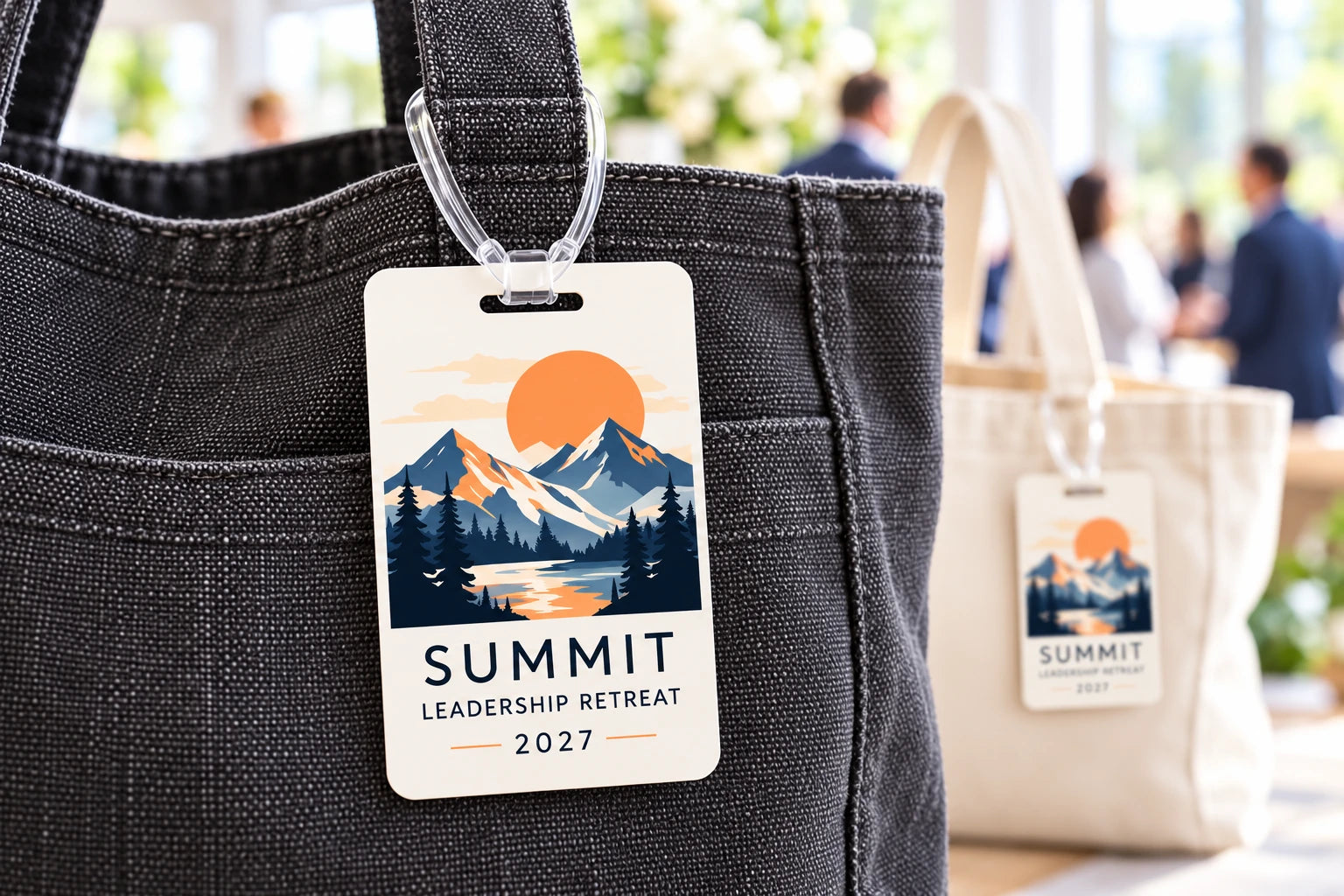
Events & conferences
Give a retreat, reunion or conference a detail people take home. Put the event artwork on one side and a personal message, year or role on the other.
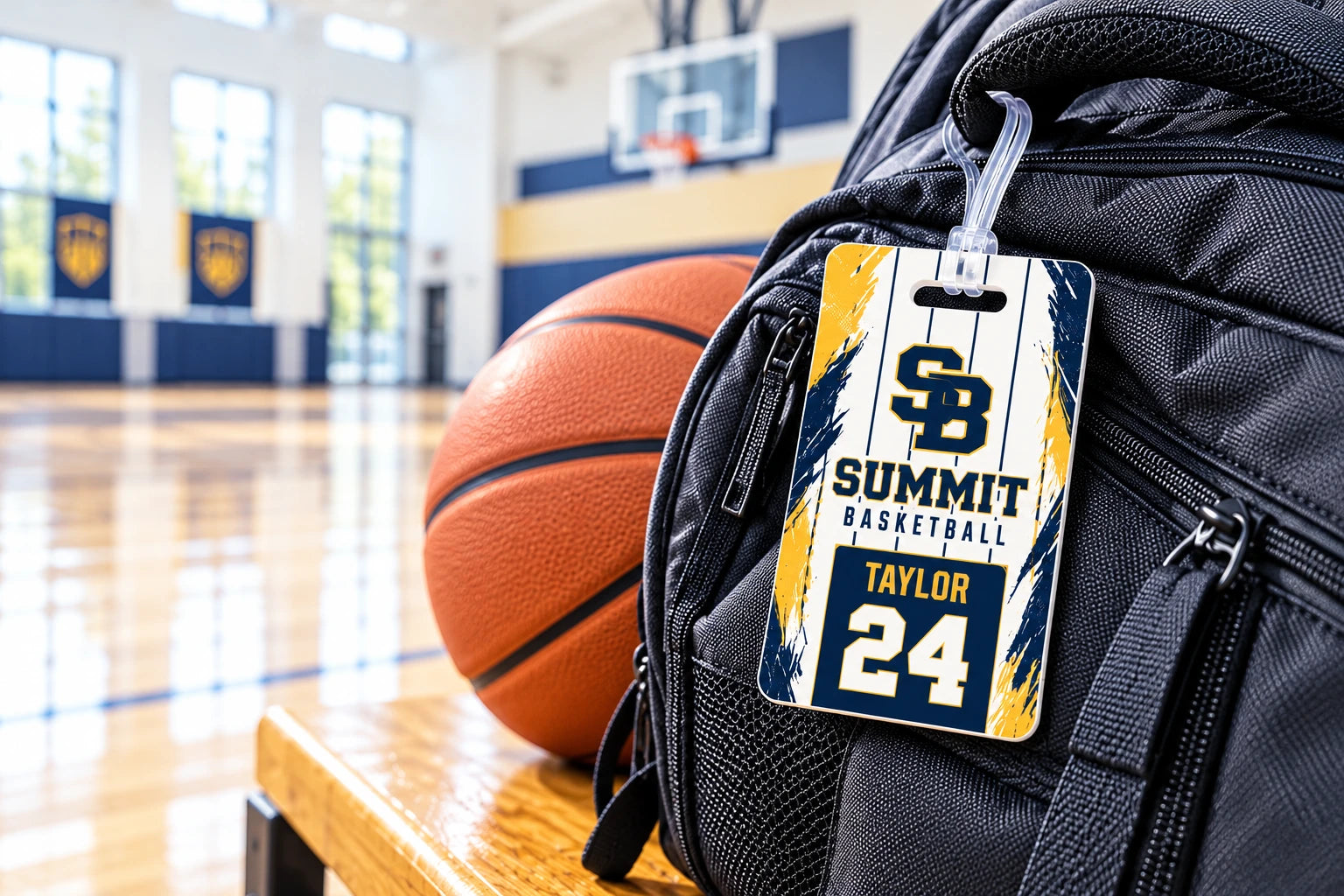
Custom sports bag tags · Team pride. Player identity.
Give every player a piece of the team identity. Add your logo, team colors, player names and numbers to custom double-sided tags—so matching team bags feel personal, from the locker room to tournament travel.
Design your team bag tagsExplore sports designs & team bags ↓Illustrative team design. One tag and clear loop per unit; bag and basketball not included.


One small tag. So many reasons to make it yours.
Custom bag tags work wherever people gather, travel, learn or belong. Start with your occasion, your artwork and the people who will carry it.
Give a retreat, reunion or conference a detail people take home. Put the event artwork on one side and a personal message, year or role on the other.
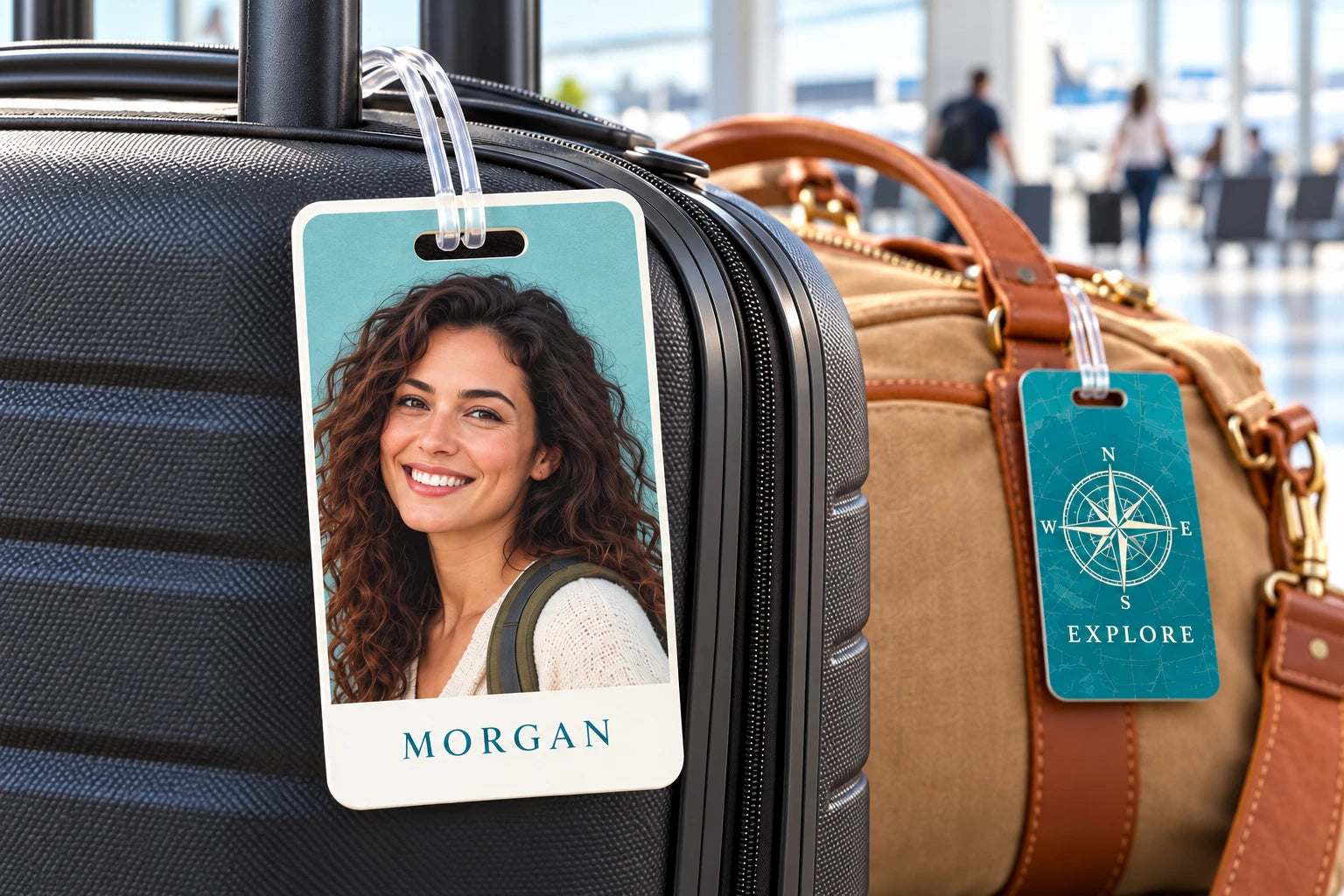
Create a shared look for a tour, cruise, family vacation or destination celebration. Make a suitcase easier to recognize and a trip easier to remember.
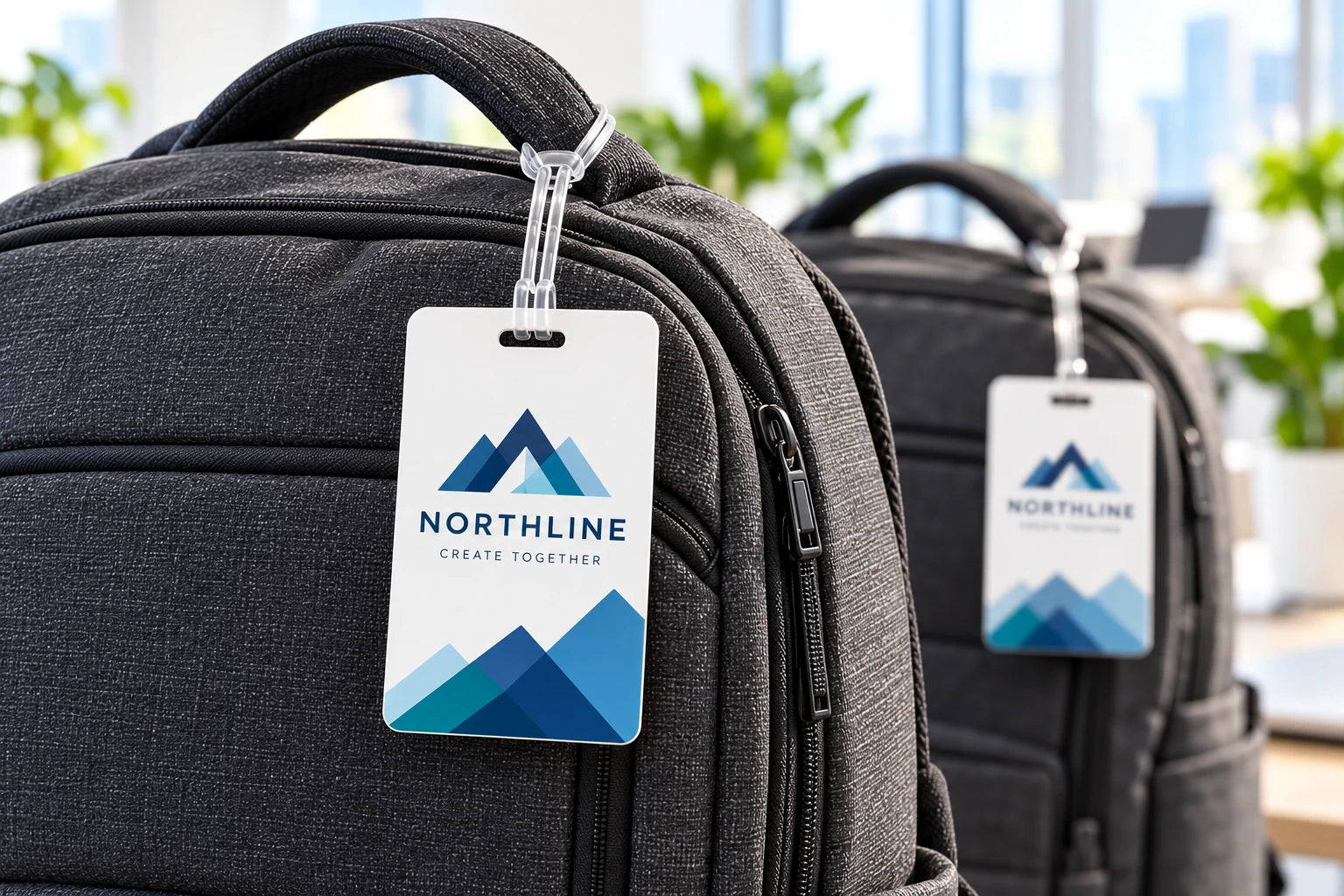
Add a company logo to welcome kits, employee travel bags and client gifts. A small, useful item can keep your identity in view beyond the first handshake.
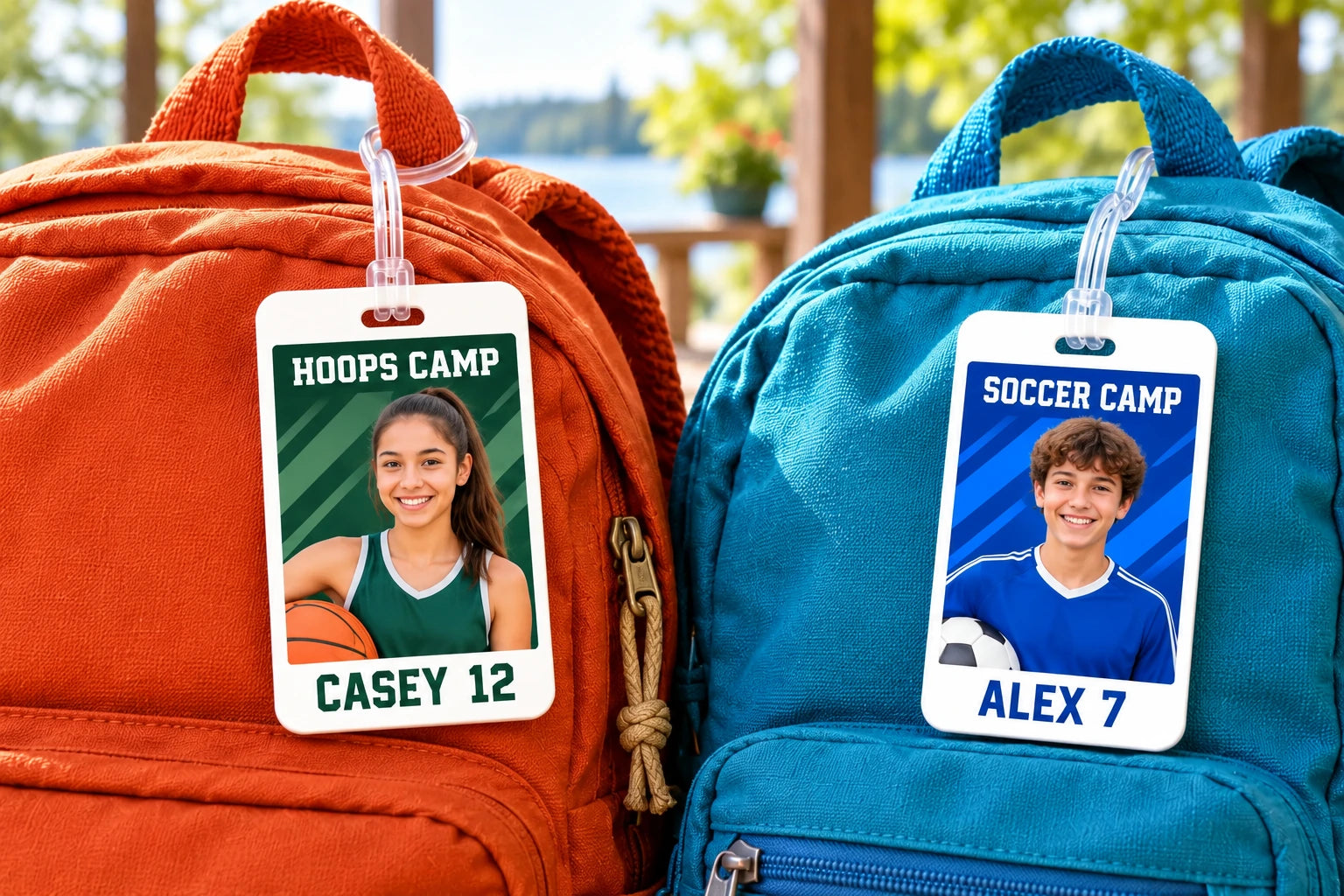
Personalize school backpacks, camp duffles, field-trip bags and club gear. Coordinate a group design or make one tag for one person.
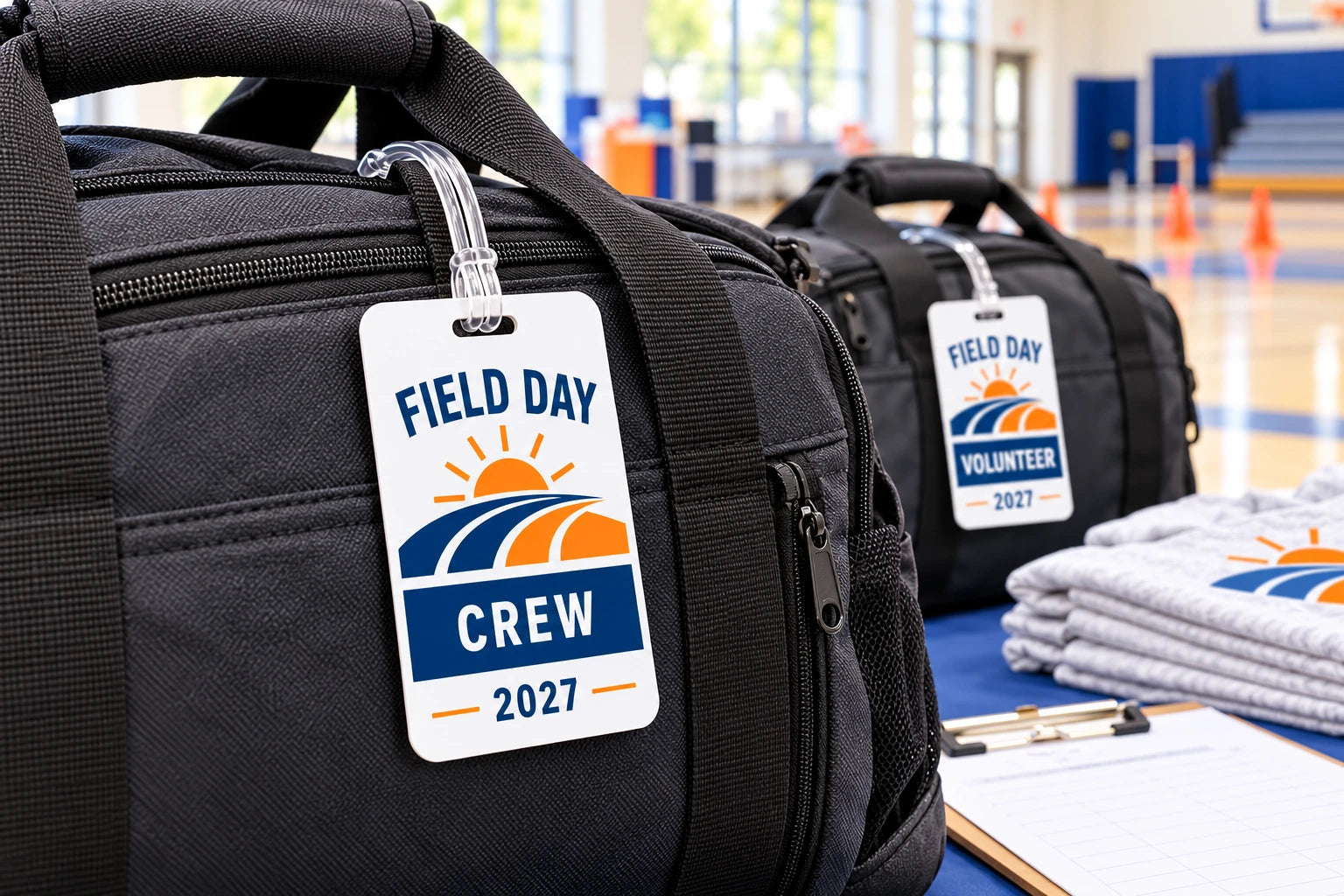
Celebrate the group behind the event. Combine your organization’s artwork with an event year or crew role for a keepsake that belongs to the occasion.
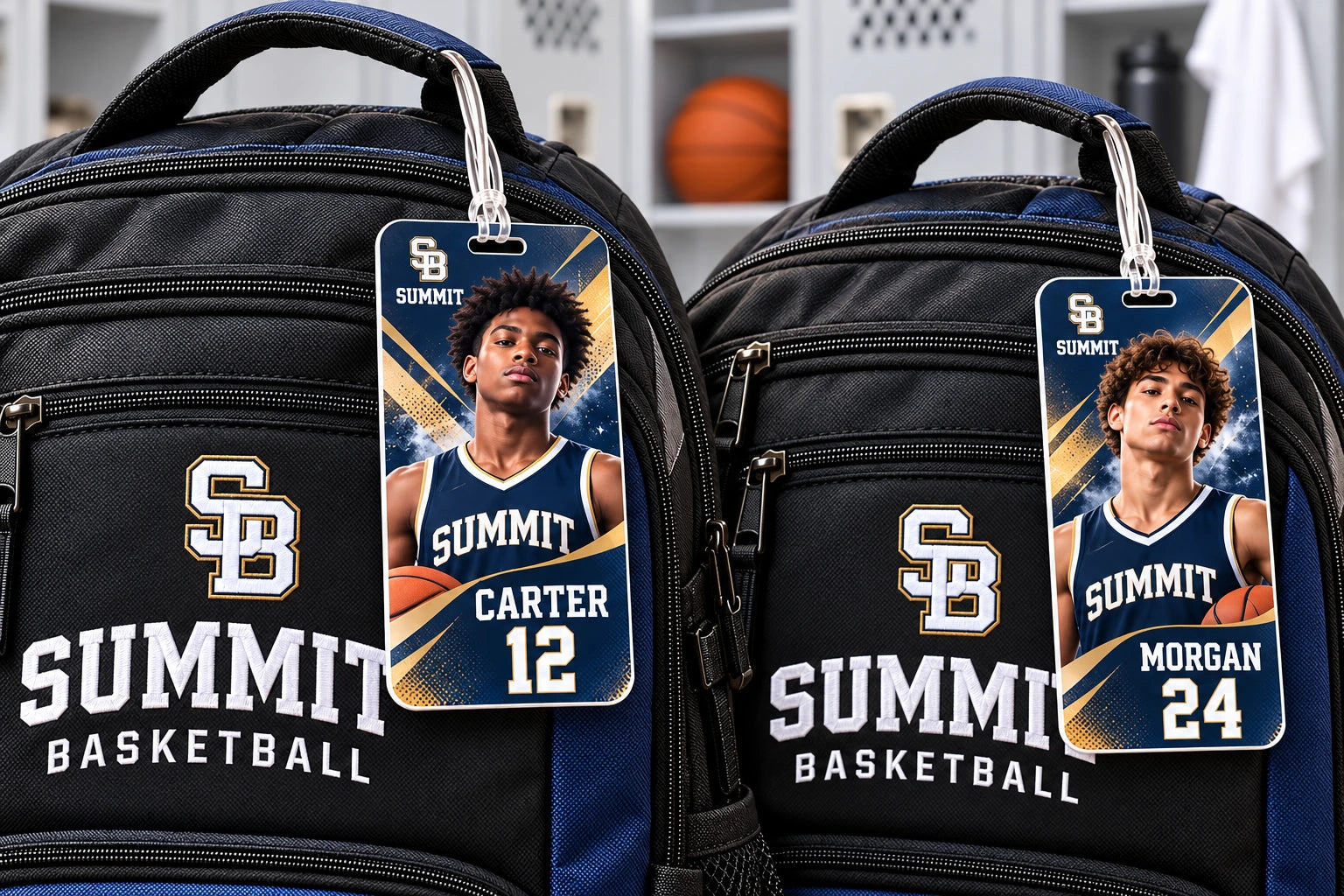
Use a player photo, team mark or name on a sports bag. Golfers can even bring their own club-distance chart; musicians and gym-goers can label their gear.
See sports templates & team bags →Illustrative use examples. Each unit includes one tag and a clear loop; bags and props are sold separately.
Have your attendee list? Start your welcome gifts.
Before the first handshake, show them you’re glad they’re coming. Personalize a bag tag for each employee, camper or guest, then have their welcome bag ready when they arrive. Their name makes it personal. Your event design brings everyone together.
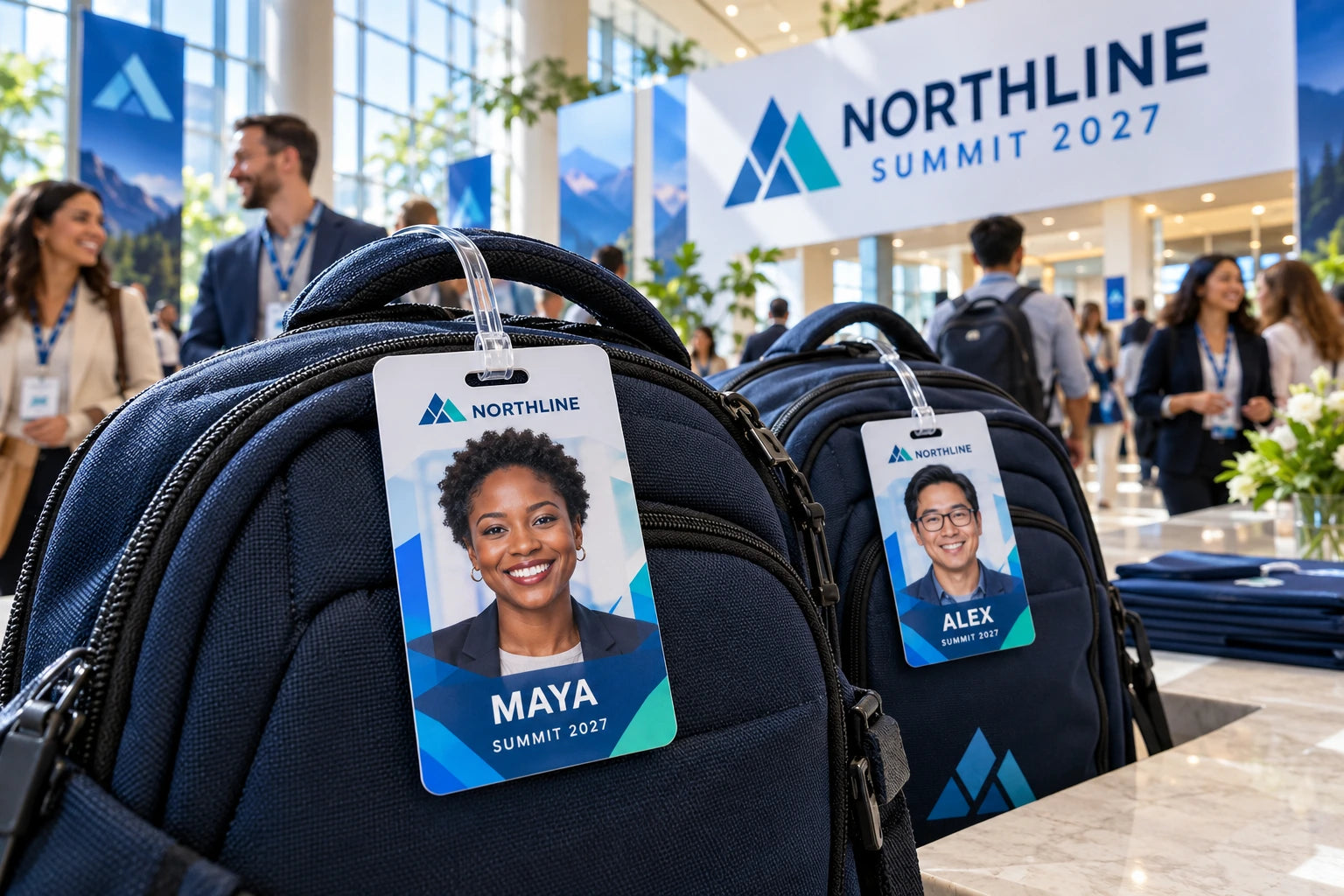
A thoughtful welcome starts before check-in. Put an individually named tag on each bag so guests arrive to something prepared just for them. After the event, the tag can travel with them—a useful reminder of the people and experience behind it.
An event date entered with an order is not a confirmed delivery promise. Confirm your deadline with us before purchasing.
Team bags. Player identity.
Put the team name and logo on every bag. Put each athlete’s name and number on the tag. Your program keeps one coordinated look, and players can spot their own gear.
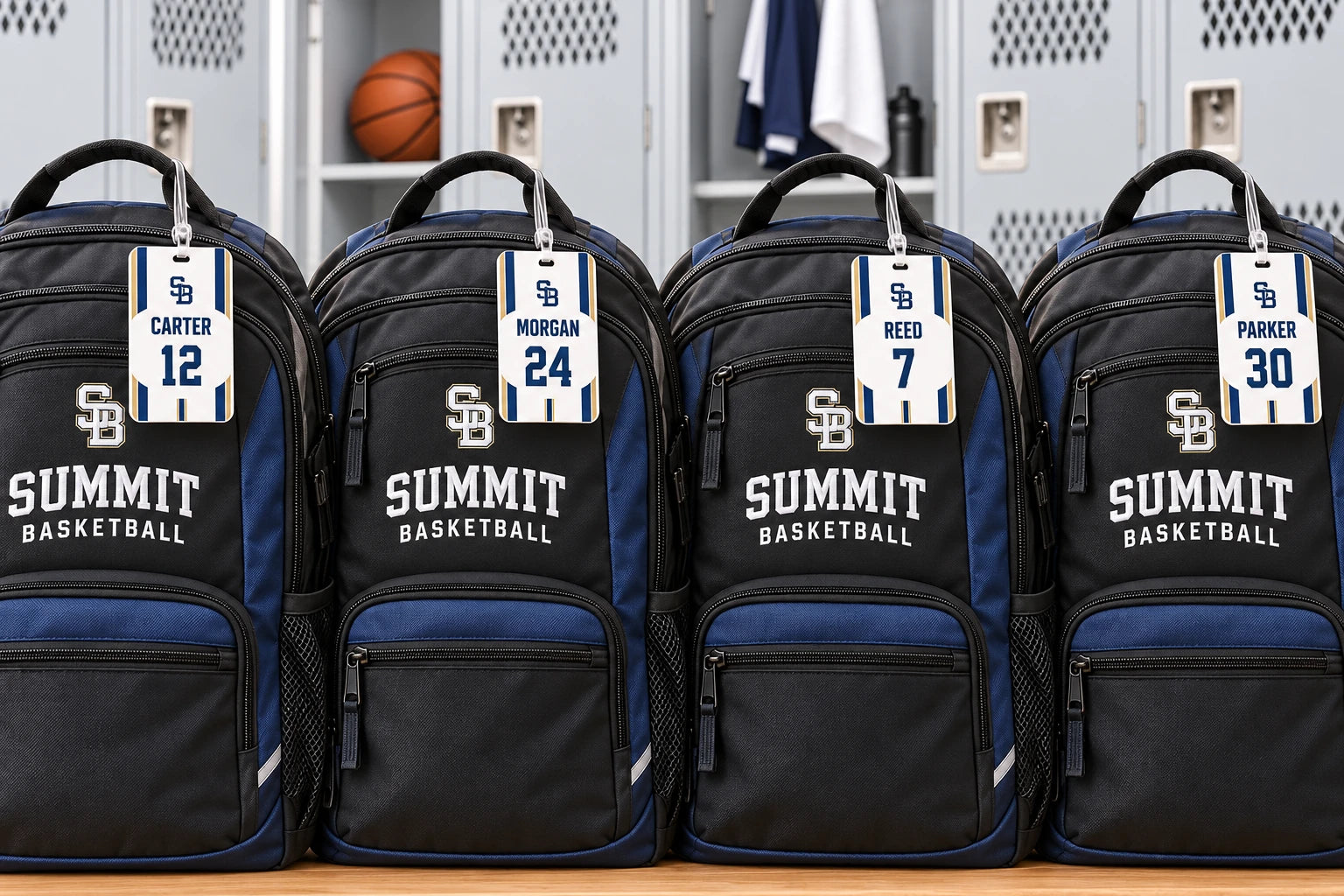
Especially useful when your bags already carry the team name and logo, without individual player details. Add a matching tag for roster handouts, tournament travel, senior-night gifts or a new season.
Basketball, baseball, softball, soccer, volleyball and beyond—bring your team colors, logo and player details.
Ordering new bags? Start with a shared team design, then pair each bag with a personalized tag. Add player names and numbers in Team roster, or upload a roster spreadsheet. Preview every player while keeping one shared team design. Different player photos currently need separate designs.
Our sports template collection
From clean pinstripes to bold athletic graphics, start with a style that suits your program.
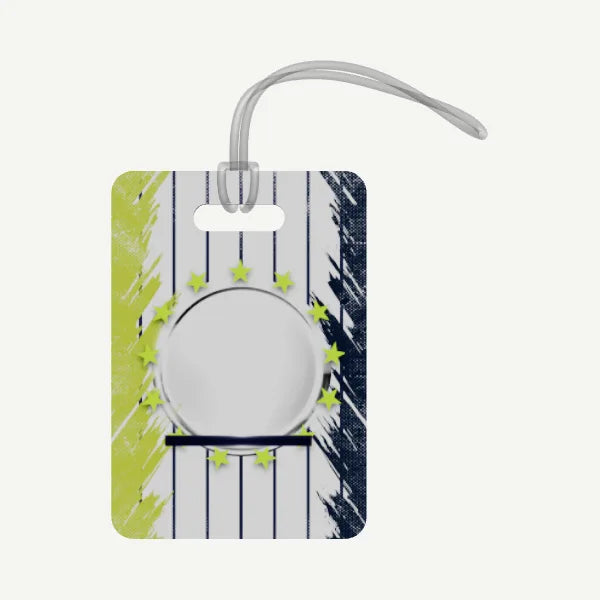
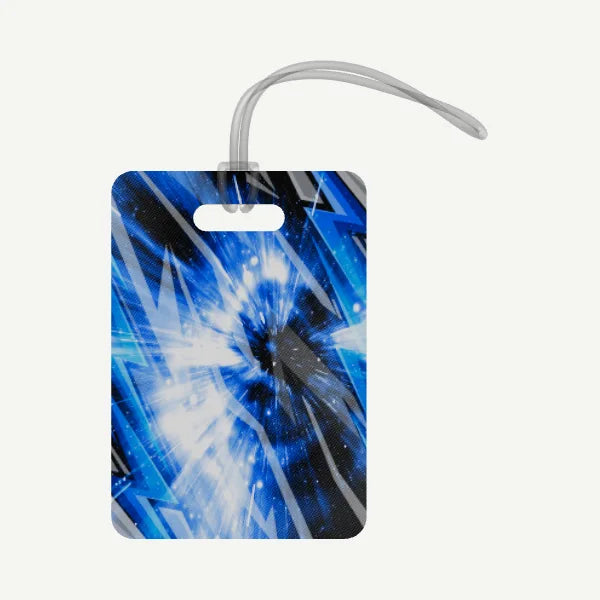
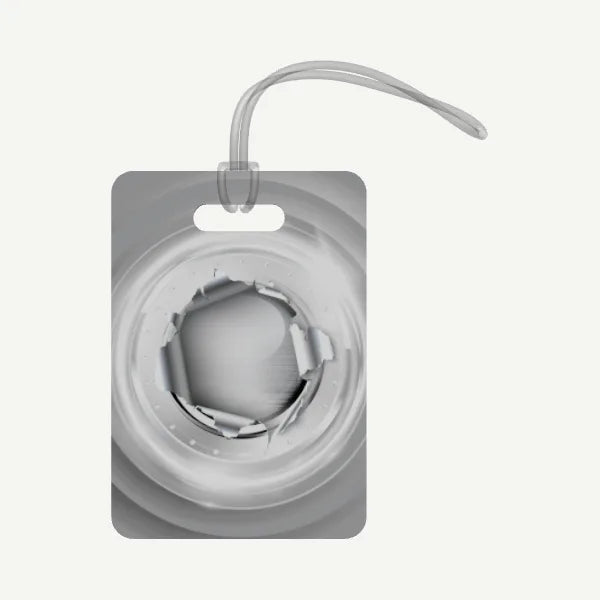

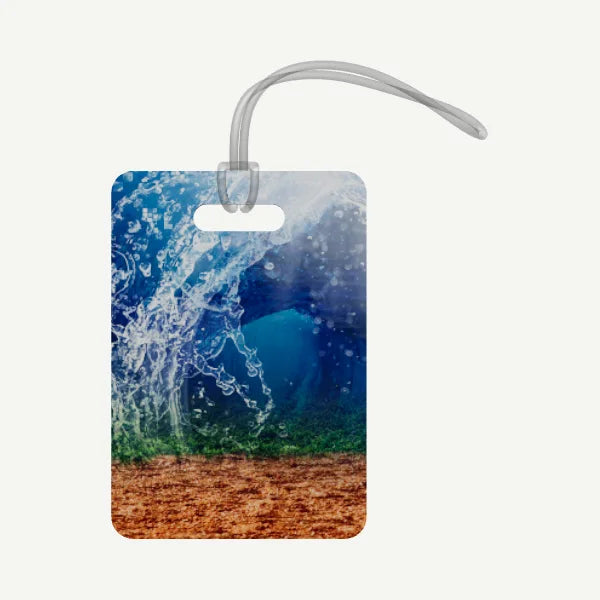
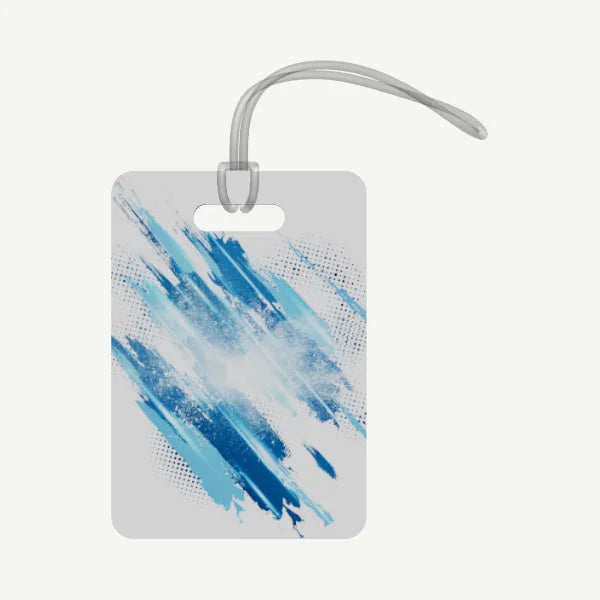
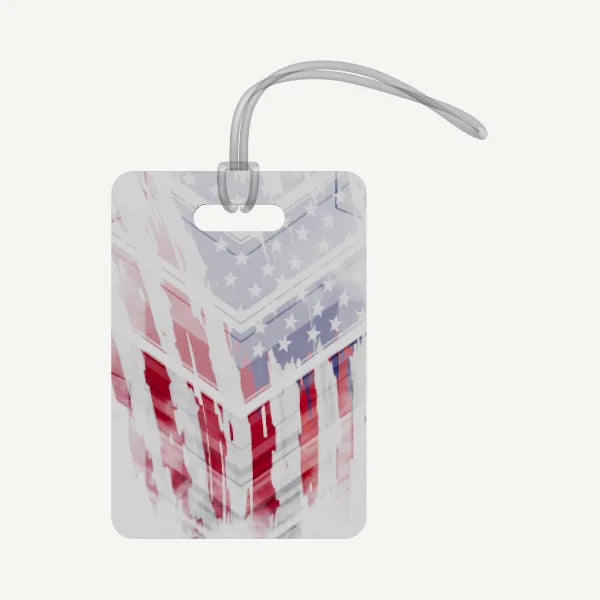
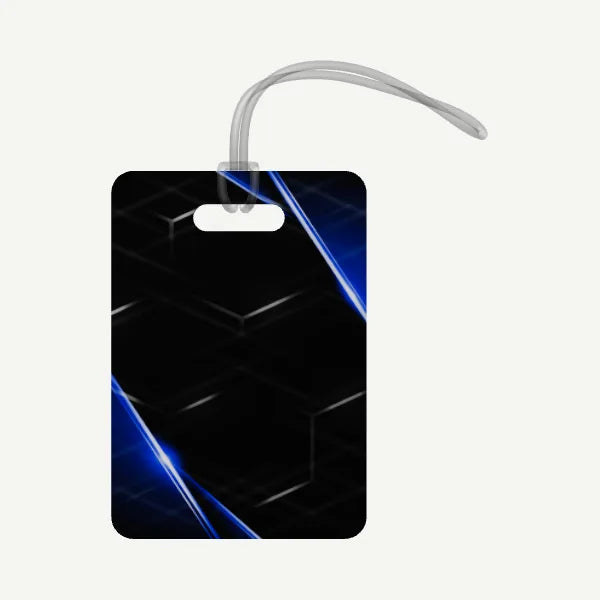
Existing template artwork previews. Choose a template in the customizer, add your team artwork, then enter each player in Team roster. Check both sides and every player before approving.
A personal gift for every player.
Give them a gift that puts them in the spotlight. Their photo. Their name. The team they belong to. Upload your own player photo and create a bag tag they can use all season—and keep as a reminder of the teammates, tournaments and moments that made it special.

Custom artwork example · Illustrative team designs. Photos and names are examples; each tag is sold individually.
View basketball tags full size (opens in a new tab)
Template inspiration: Pin Stripe · Illustrative team designs. Photos and names are examples; each tag is sold individually.
View baseball tags full size (opens in a new tab)
Template inspiration: Ripped · Illustrative team designs. Photos and names are examples; each tag is sold individually.
View softball tags full size (opens in a new tab)
Template inspiration: Flash · Illustrative team designs. Photos and names are examples; each tag is sold individually.
View football tags full size (opens in a new tab)
Template inspiration: Shark · Illustrative team designs. Photos and names are examples; each tag is sold individually.
View soccer tags full size (opens in a new tab)
Template inspiration: Splash · Illustrative team designs. Photos and names are examples; each tag is sold individually.
View volleyball tags full size (opens in a new tab)
Template inspiration: Vector · Illustrative team designs. Photos and names are examples; each tag is sold individually.
View hockey tags full size (opens in a new tab)
Template inspiration: USA Slash · Illustrative team designs. Photos and names are examples; each tag is sold individually.
View lacrosse tags full size (opens in a new tab)
Template inspiration: Metal Breakout · Illustrative team designs. Photos and names are examples; each tag is sold individually.
View wrestling tags full size (opens in a new tab)
Template inspiration: Pin Stripe · Illustrative team designs. Photos and names are examples; each tag is sold individually.
View tennis tags full size (opens in a new tab)
Template inspiration: Splash · Illustrative team designs. Photos and names are examples; each tag is sold individually.
View pickleball tags full size (opens in a new tab)For a parent, coach or team organizer, the personal details make the difference. Give one athlete their own keepsake or coordinate gifts for eight, ten or fifteen teammates. Each tag includes printing on both sides and a clear attachment loop.
Create a personal player giftNames and numbers can use Team roster in the designer. Different player photos currently need individual designs. Send us your team size and deadline so we can help coordinate the photo files and order.
Get help with your team photo tags →See the smartphone photo guide before taking team pictures. Use original high-resolution photos. Supply ready-to-use cutouts, or arrange our $10-per-photo cutout service before designing. Existing template backgrounds have fixed artwork; upload your own finished design for a different look.
A better photo makes a better tag
No studio needed. Follow these six steps before taking player photos, then send the original files. Coaches: share the guide with parents before photo day.
Download the smartphone photo guide (PDF)Wipe the lens with a clean, soft cloth. Use the rear camera in normal Photo mode at 1×. Have someone else take the picture. Skip beauty filters, artificial background blur and digital zoom. Keep the original at the phone’s highest practical image quality.
Stand in open shade outdoors, or face a bright window indoors. Keep the light in front of the player. Avoid harsh midday sun, a bright window behind them and dark gym corners. Make sure both eyes are clearly lit.
Use a plain wall or smooth backdrop. White uniform? Choose medium gray or another darker solid color. Dark uniform? Choose a lighter background. Check that hair and skin also stand apart from it. Avoid busy fences, crowds and shadows touching the player.
Hold the phone vertically at the player’s eye level. For most photo tags, capture from above the head to below the waist. Leave space above the hair and around both shoulders, elbows and any ball. For a full-body design, include the feet and extra room all around.
Tap the face on the screen to focus, hold the phone steady and take several photos while the player stays still. Enlarge the best shot to check the eyes, hair edges and jersey lettering. Retake blurry, dark or blown-out pictures before leaving.
Upload or share the original photo at full size or original quality. Do not send a screenshot, social-media download, collage or a photo copied from a text thread. If your file type is unsupported, export a full-resolution JPG for a photo or PNG for a transparent cutout—do not take a screenshot to convert it.
Keep the entire head and pose inside the photo. Extra space lets you position the player in the tag.
A white jersey against a darker plain wall is easier to separate than white against white.
We print the pictures you submit. A small tag cannot fix blur, missing details or a poor crop. Enlarging a small image does not create real detail. Retaking the photo is usually the best fix.
Before approving: check each face, crop, name and number in the design preview. Confirm both sides of every player’s tag.
Phone controls vary. For device help: Apple iPhone camera basics · Google Pixel camera basics.
No minimum. No need to buy extras.
Make one for yourself, give a personal gift, or bring everyone into the occasion. Start with the order that fits your plans.
For larger quantities or a specific arrival date, contact us before ordering. Adding quantity repeats the approved design; it does not automatically add different names.
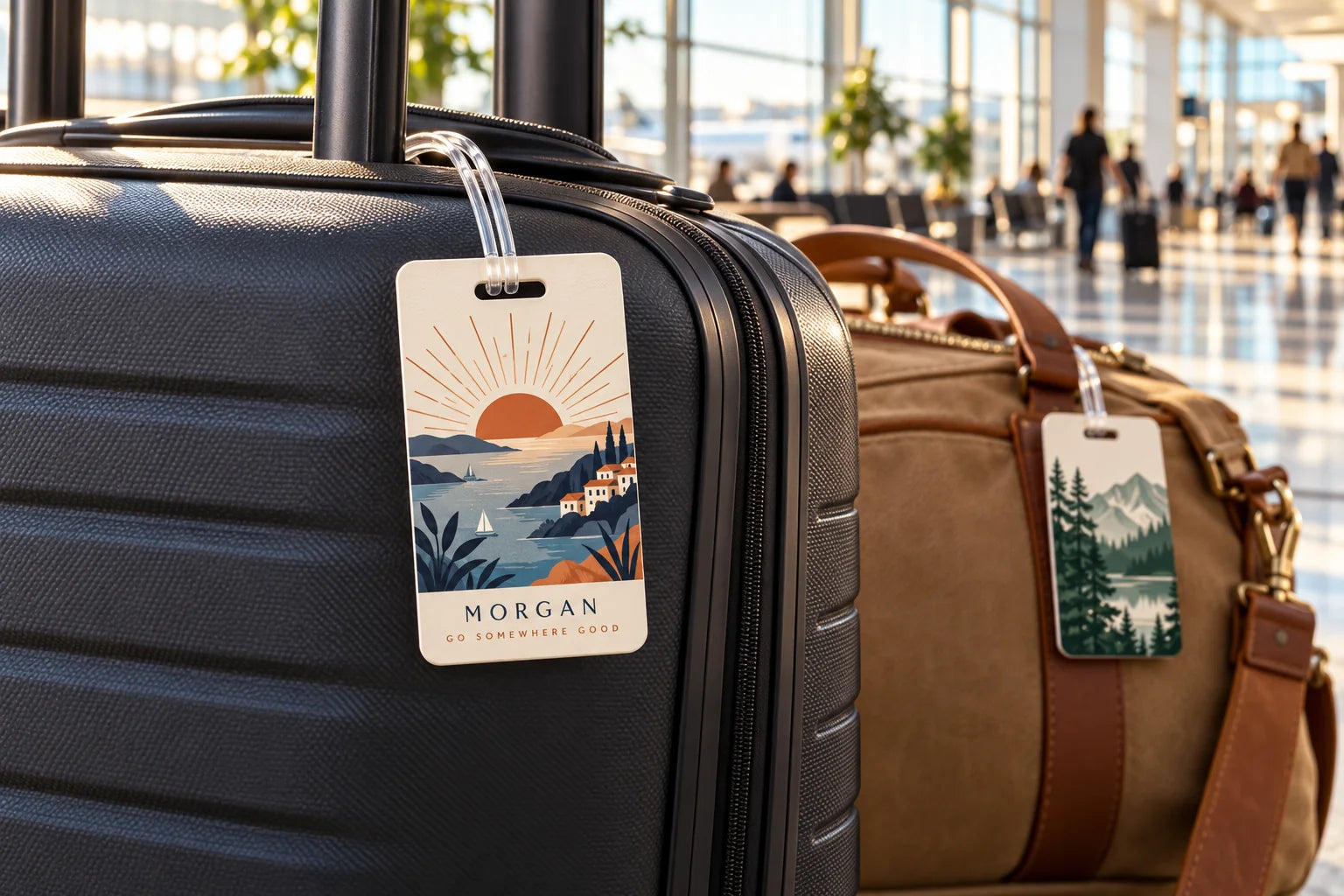
More than a name on a bag
A destination, a year, a shared memory. Give every traveler something that feels like part of the experience, from the first airport meetup to the next adventure.
Think cruise groups, milestone birthdays, family reunions, destination weddings and school trips. Your artwork makes the tag personal. The bag gives it somewhere to go.
Design a travel keepsakeCustom printing on both sides
Give your event, business or group the front. Make the reverse work for the person carrying it—with a name, photo, message or useful reference.
Front and back illustrated together. One double-sided tag per unit.
Make both sides your own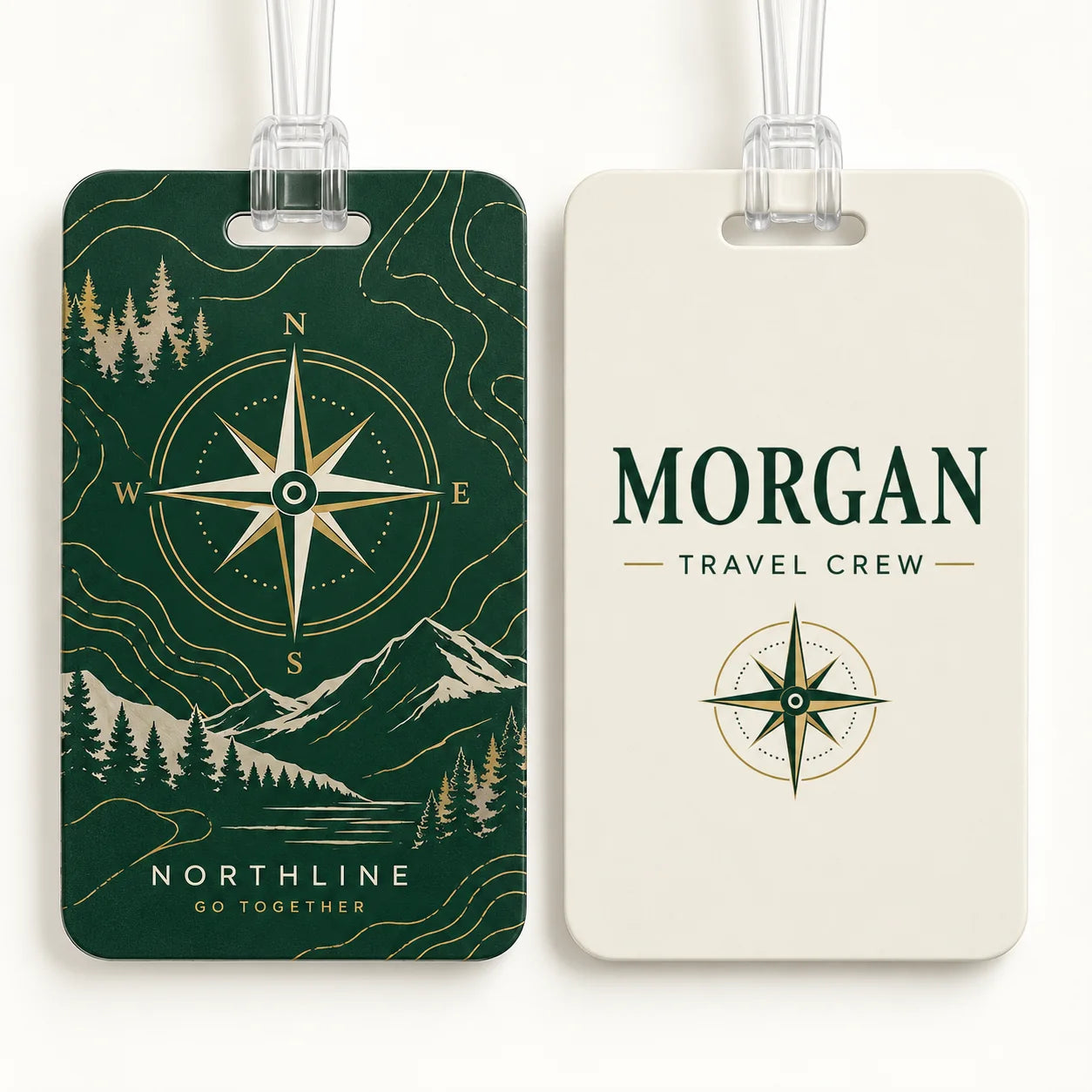
For the person putting it all together
A coordinated welcome kit. A crew that feels recognized. An event favor with a purpose. The finishing touches tell people someone cared enough to make the experience feel complete.
Bring your company, association, club or event artwork. Create a consistent look without having to order more tags than you need.
Put your brand on a tagFrom actual customer orders
Customers have brought their own artwork for travel keepsakes, crew identity and team pride. These saved design previews show how different a custom bag tag can look.


Customer-submitted artwork shown in saved design previews, not photographs of finished tags. Designs belong to their respective owners; shown as examples, not stock artwork or endorsements.
Your design is the starting point
Use your own event graphic, logo, photo or illustration. Our blank Canva starter includes working pages and visual examples showing what to keep and what to remove.
Keep names and logos inside the safe area and clear of the slot. Remove guides and placeholder text. Export only the front and back artwork pages.
Open the customizer, choose your own artwork, and inspect both sides. Check spelling, orientation and crop before approving your design.
Includes Illustrator-compatible SVG templates, Photoshop PNG guides and clean examples. Save your working file as AI or PSD in your own software. Canva sign-in may be required. Use artwork and photos you own or have permission to print.


These are instructional examples, not artwork to submit unchanged. For roster personalization, leave individual names and numbers out of the uploaded background and add them in Team roster. Different player photos currently require separate designs.
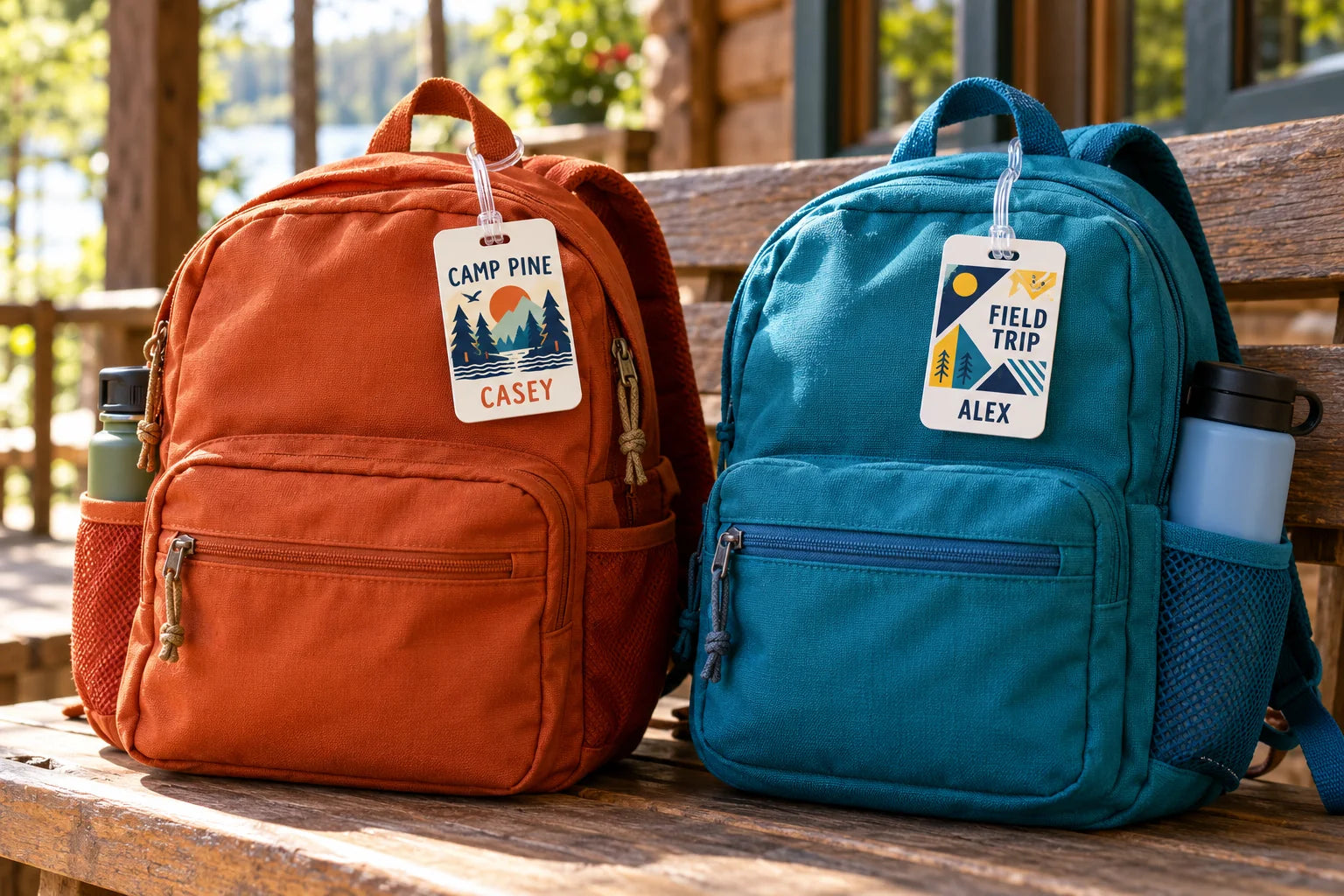
Small enough for everyday gear
For school backpacks and camp gear, add a recognizable design without displaying more personal information than necessary.
Before you design
Yes. Order as few as one tag. Each unit includes one double-sided printed tag and one clear attachment loop.
Yes. Use them on luggage, carry-ons, backpacks, totes and other bags with a suitable attachment point. They are personalized identification tags, not electronic trackers.
Yes. Upload artwork you own or have permission to use. Design both sides, keep important text clear of the edges and attachment slot, and inspect the preview before approving.
Yes. Put event artwork or a logo on the front and a name, message, photo or useful reference information on the back. Both sides are customized.
The finished tag is 2.75 inches wide by 4 inches tall, excluding the loop. It is made from Unisub® fiberglass-reinforced plastic (FRP), with a white gloss finish and UV-resistant sublimation coating.
Yes. For a group with multiple names, photos or artwork variations, email HoopsKing about your group order before purchasing so we can confirm the artwork setup, price and timing. A quantity change alone does not create different names.
Request event-order pricing with your quantity, whether every tag uses the same artwork or different names/photos, your destination and required delivery date. We will confirm the complete order details before you commit. You can still order just one tag through the customizer.
Use your original high-resolution file, not a screenshot or a compressed social-media image. Check spelling, crop, brightness and sharpness. We print the artwork you submit; enlarging a small file does not restore detail.
Yes. Use the blank Canva starter or prepare your own front and back artwork. Follow the template’s guides and export instructions, remove instructional graphics, and submit the image format supported by the customizer. Do not upload the entire instruction document.
Choose the identification details you are comfortable displaying, such as a name and a contact email. For children’s bags, consider initials or a group identifier rather than a full name and home address.
Contact us before ordering if you need your tags by a particular date. We will confirm what is possible for your artwork, quantity and destination; this page does not promise an arrival date.
Follow our six-step smartphone photo guide and download the parent checklist.
Use the original full-resolution photo. Clean the lens, use soft light, tap to focus and move closer instead of digitally zooming. For a cutout, use a plain background that contrasts with clothing, skin and hair. A transparent PNG is best for a prepared cutout. We print what you submit.
Need help preparing a person’s photo? Our photo cutout service is $10 per photo and should be completed before designing or ordering your tag.
One person. One event. One idea worth carrying.
Start with one custom tag. Give it a reason to be kept.
Create your double-sided bag tagNeed bags to go with them? Explore custom backpacks and duffle bags.